
After-hours AI dispatch / For overflow and emergency service calls
Turn an after-hours call into a dispatch-ready request.
Answer calls, collect equipment and site details, apply your urgency rules, and alert the right on-call person without asking a technician to start from a voicemail.
The operating problem
Where the handoff breaks.
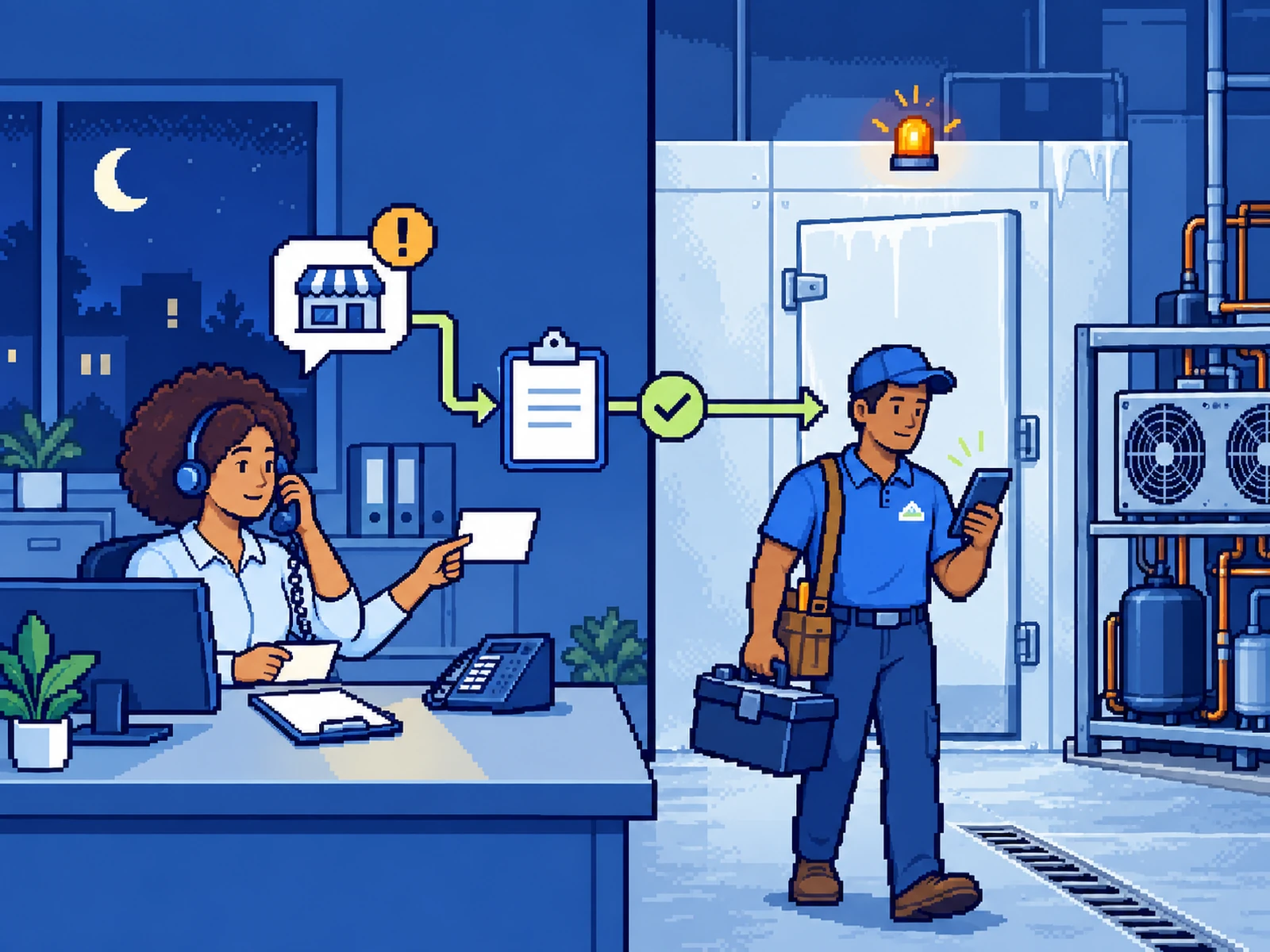
A restaurant manager calls after hours because a walk-in is warming. The technician needs the site, equipment, temperature, symptoms, account status, access details, and safety context before deciding what happens next.
Illustrative workflow
A call becomes a useful handoff
In this demonstration, the dispatcher identifies the account, gathers the failure details, applies the service company's escalation rules, and alerts the on-call technician.
See the enquiry-handoff demonstration- 01
Answer the call under the service company's approved script.
- 02
Confirm the account, service area, site, and callback details.
- 03
Collect equipment, temperature, symptoms, error codes, access, and risk information.
- 04
Apply predefined urgency and safety rules, with a human fallback for uncertainty.
- 05
Transfer or alert the on-call person, record the request, and confirm receipt to the caller.
A route your team can operate.
- A mapped after-hours call path
- Approved intake questions and escalation rules
- Notifications, transfer logic, and human fallbacks
- A structured call record and review process
Clear boundaries.
The dispatcher does not diagnose equipment, give repair or food-safety advice, make safety guarantees, or promise technician arrival without confirmed availability.
A 30-minute dispatch review
Start with one real call path.
Bring one recent after-hours call, the details your technician needed, and the current on-call route.